
Pool tiling
Rust repair and full tiling
Hollow render and rust cut out, then the whole shell tiled.
Glendale
Equipment repair
Only one of these faults is a Wi-Fi problem. Valves not turning, the heater ignoring commands, schedules drifting, the app offline — many we can diagnose before anyone drives out.

Licensed, insured and family-owned


What we sort out without coming over
Five places the fault can be: power, a relay, an actuator, a sensor, or the link to your phone. Find your symptom below and you will usually know which before you call.
On automation we work as we do on the rest of the pad: diagnose first, repair before replacing. A new panel is also the moment to look at the equipment it will control — automation and a variable-speed pump are the pair that move a power bill. The rates are just below.
Pricing
Common repairs are quoted as a fixed price before work begins, and parts are named rather than estimated.
Prices as of August 2026. Automating a whole pool is a written quote after we have seen the pad. Underground leak detection, pressure testing and complex electrical troubleshooting are quoted separately.
Start with what the pool is doing
And they do not all need a truck.
Five parts, in plain language
Knowing which is which turns “the pool is broken” into a question we can answer by phone.
The crew
Four of us. The same faces every week, not whoever was free that morning.


The same crews work the pads
Hollow render and rust cut out, then the whole shell tiled.
Glendale
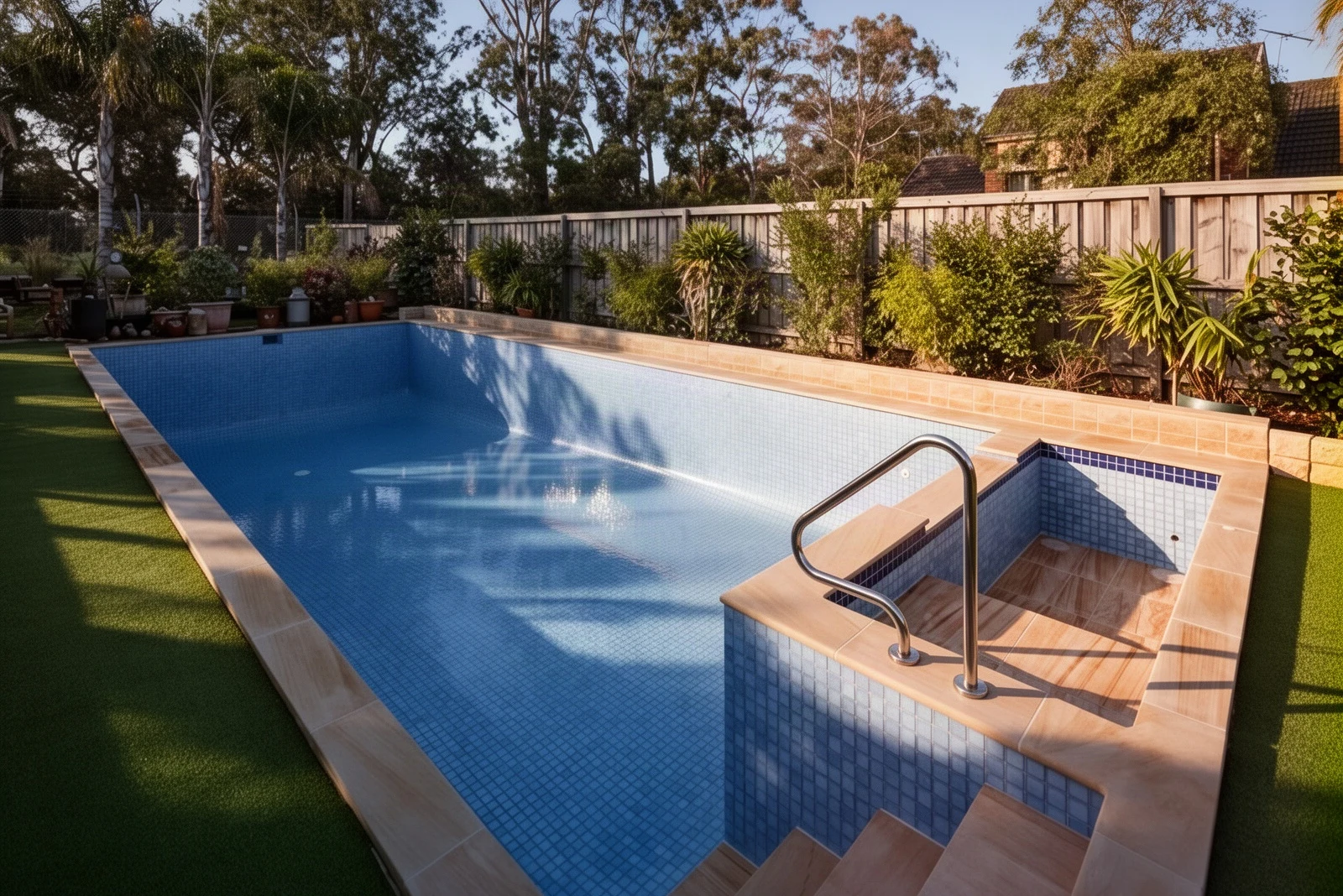
Out of repaints, so retiled, with sandstone paving around it.
Eagle Rock

Grey tile across pool and spa, seen from the air.
La Cañada Flintridge

Collected from customers on the routes we run every week.
Kevin B.Verified review
15 December 2025
Thomas W.Verified review
Local Guide · 27 reviews · 9 photos
10 February 2025
Rachel M.Verified review
17 October 2025
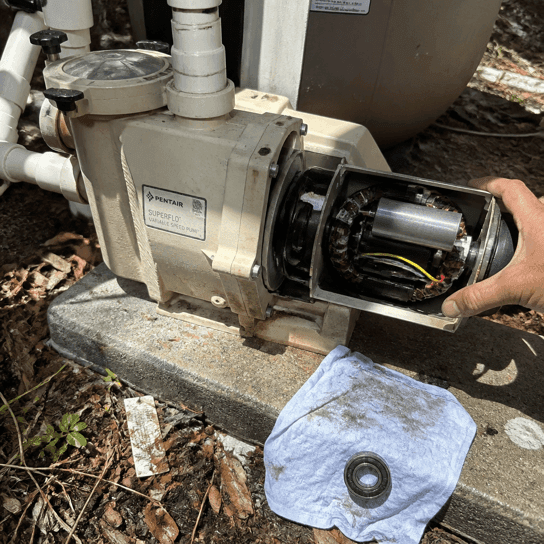
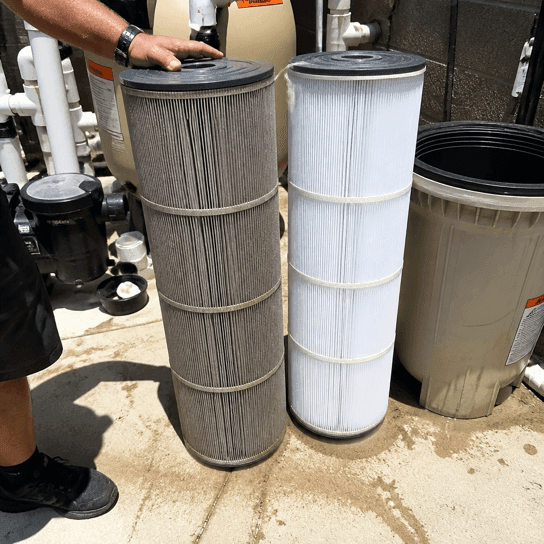
We thought we needed a completely new pool system. Turns out it was just a few issues with the pump and filter. They saved us a lot of money by fixing what actually needed fixing.
Carlos M.Verified review
Local Guide · 48 reviews · 22 photos
4 May 2025
Sandra K.Verified review
10 reviews
13 June 2026
James L.Verified review
7 reviews
26 November 2025
Victoria S.Verified review
Local Guide · 73 reviews · 41 photos
12 July 2026
Robert E.Verified review
8 March 2025
Tell us what the pool needs, how big it is and your ZIP — and a price the same day.
Rewards
$100 for every friend you send us, up to two. No code, no form — they call and mention your name.

$100 credit
For every friend who calls and mentions your name
Up to two referrals, $200 in total. The name must come up on the first call. Spend it on any service.
20% off one-time work
For weekly maintenance members
Green-to-clean, acid wash, plaster start-up and repair labor, plus priority on the schedule.
Where we work
Crews leave from Studio City every morning, across the Foothills and the neighborhoods next to them.
Office · Studio City
Automation controls, actuator valves and time clocks are on the fixed inspection list of every weekly visit.
4121 Radford Ave, Ste. #214, Studio City, CA 91604Written for Foothill and Valley homeowners.
Equipment, labour, and the California rule that picks the pump for you.

The quiet signals that a pump or heater is on its way out.
From the truck
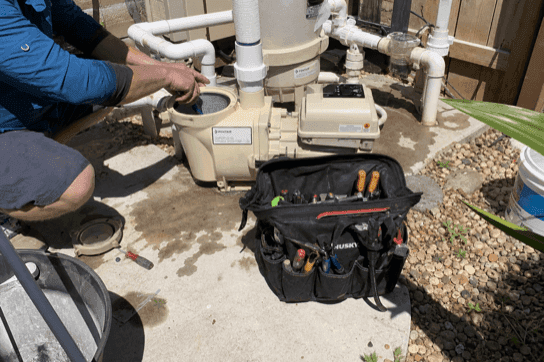
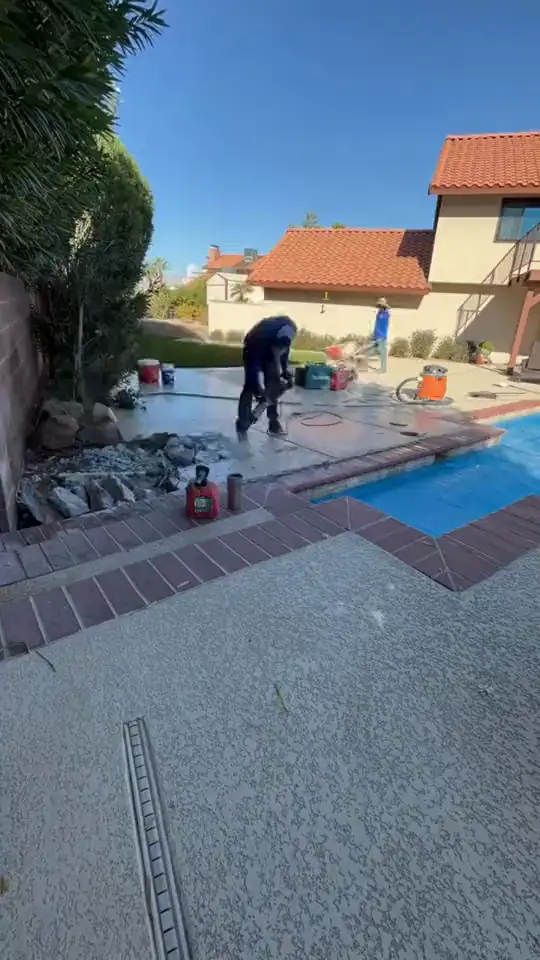
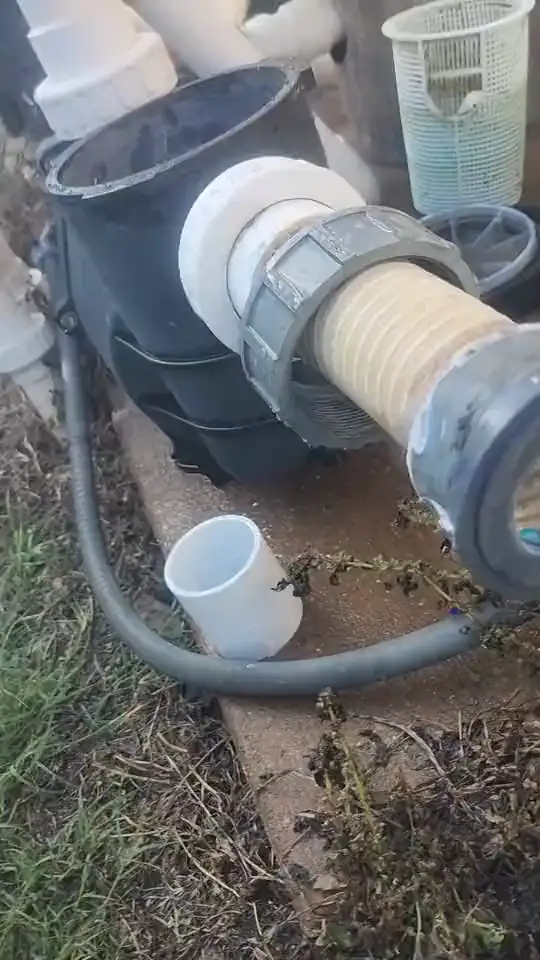
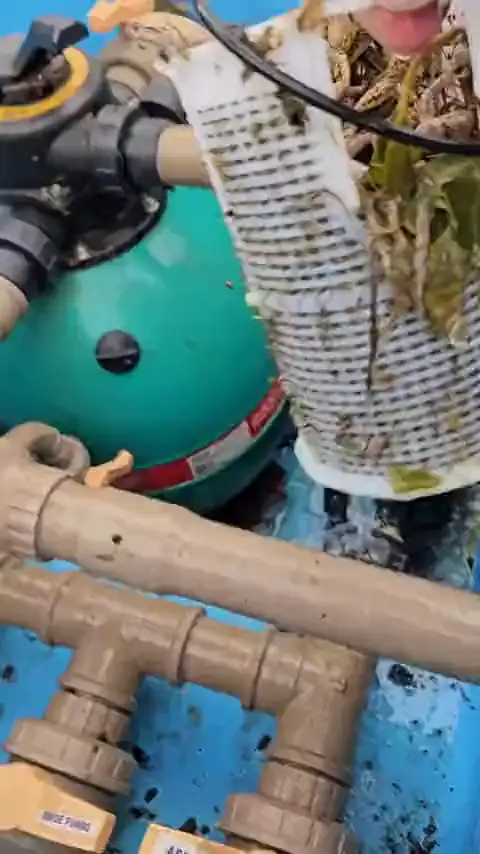
Nothing staged, nothing bought from a stock library — the same work, filmed while it happened.

Power the panel down at the breaker, wait a few seconds and bring it back. If it still shows offline, open the antenna enclosure and toggle the switch from Wi-Fi to Wired and back to clear the stored network, then re-join from the app. If it pairs and drops again within a day, the problem is signal strength or the antenna module.
Three groups. Connection: a changed router, a new password, a network the antenna cannot see. Programming: a circuit renamed, a schedule left on the wrong season, a spa mode that lost its settings. Hardware: relays, actuators and sensors. The first two are frequently fixable remotely.
Walk to the pad and use the panel directly. If the buttons control the pool normally but the app cannot see it, the automation is fine and you have a connection problem. If the panel is unresponsive too, the fault is local and the app is only the messenger.
Put the antenna into setup mode, join the temporary network it broadcasts, then hand it your home network and password. The detail that catches people out: these antennas join 2.4 GHz networks only, so a router publishing one combined name can make pairing fail without saying why.
Yes, and it is more common than automating a new build. The load center goes in near the existing equipment, actuators sit on the diverter valves you already have, and the pump, heater and lights are wired into the relays. The effort depends on the electrical supply at the pad.
Automating a whole pool is a written quote after we have seen the pad, because it depends on how many circuits and valves are involved. Repairs are published: labor from $175 an hour with a one-hour minimum, an actuator valve replacement $175–$250 plus the actuator, and members take 20% off labor.
There is no average worth quoting, because the phrase covers an actuator motor and an entire control system in one breath. On automation the split is unusual: a large share of calls are schedules, renamed circuits and app connections, and those are frequently cleared without a visit at all. What needs a truck is hardware — actuators, relays, boards and sensors — charged at the rates above, and the standard diagnosis is free inside our service area, so which of the two you have is settled before anything is spent.
Almost always the one that matches the equipment already on your pad. Pentair's IntelliCenter and EasyTouch speak natively to IntelliFlo pumps and IntelliChlor cells; Jandy's iAquaLink does the same for ePump, JXi and AquaPure; Hayward's OmniLogic for its own range. Mixed brands do work, at the price of extra relays and the occasional feature that never quite turns up in the app. If the pad is already Pentair or Jandy the decision is made for you, and the next dollar does more on actuators and a variable-speed pump than on a different badge.
Circulation, cleaning and chemistry. Automation does the first one: it runs the pump, turns the valves and holds the schedule, and a schedule set for the season is most of circulation. It does not brush a wall or empty a basket, and the chlorinator it controls still needs the water tested by hand. A panel reporting a perfect salt reading on a pool nobody has looked at for a fortnight is one of the ordinary routes to green water.
Cleaning, recovery, repair and renovation across Los Angeles.
Tell us what the pool is doing
Half of these we can clear without a call-out, and you will know which half before anyone drives out.